Questions
FAQ
How does the trial work?
Everything works free for 30 days, with no account and no payment details. After that, Callout asks for an unlock code to keep going, and once it's entered it's unlocked for good on that Mac. Reinstalling Callout doesn't restart the trial, and it never locks in the middle of a service: if the 30 days run out while it's in use, it waits until afterward.
Is it made by MultiTracks?
No. Callout works with MultiTracks Playback through Playback's own MIDI mapping, but it isn't made by, endorsed by, or affiliated with MultiTracks.com. You need your own copy of Playback and your own song licenses; Callout never touches your tracks or your account.
What if it mishears something?
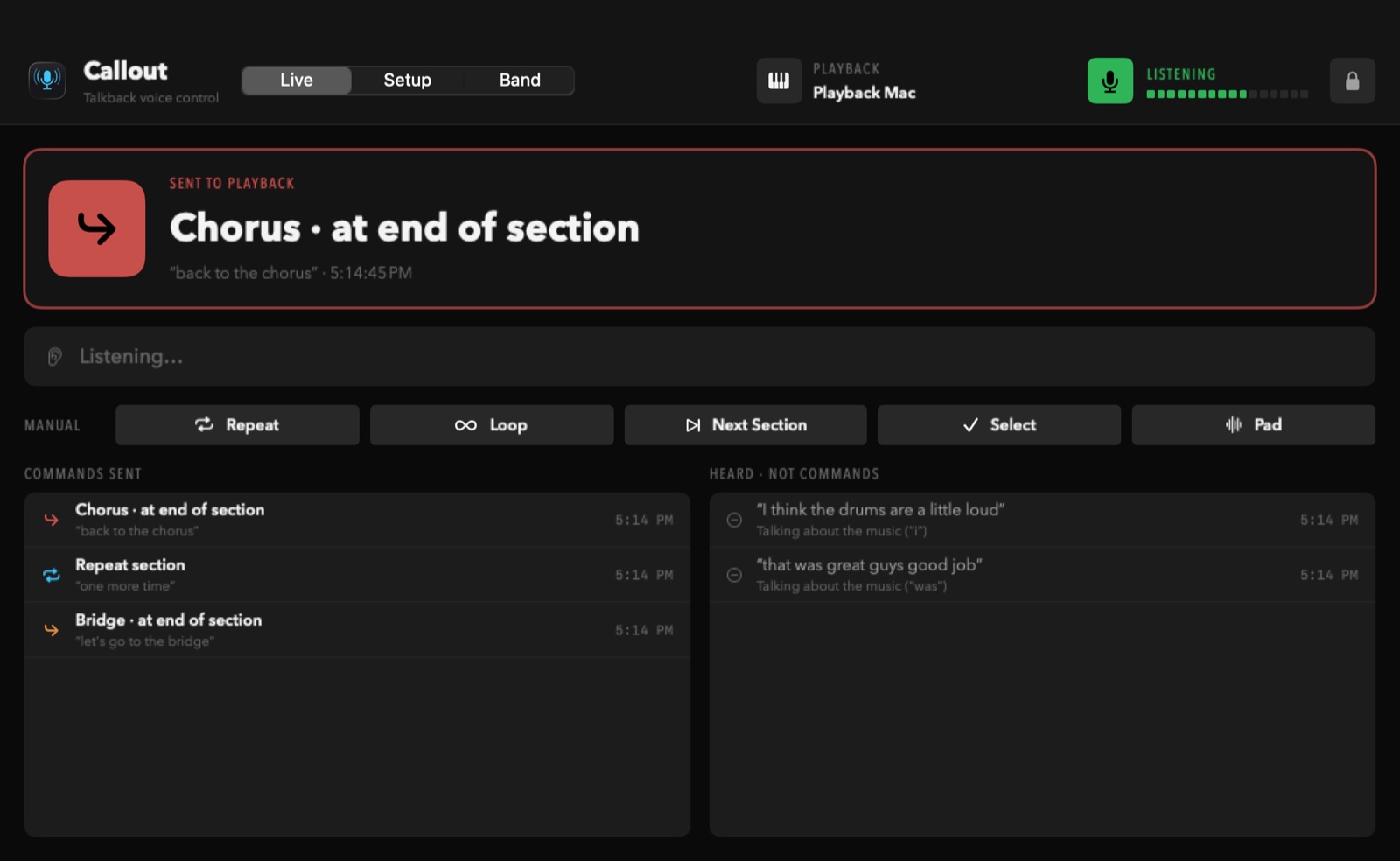
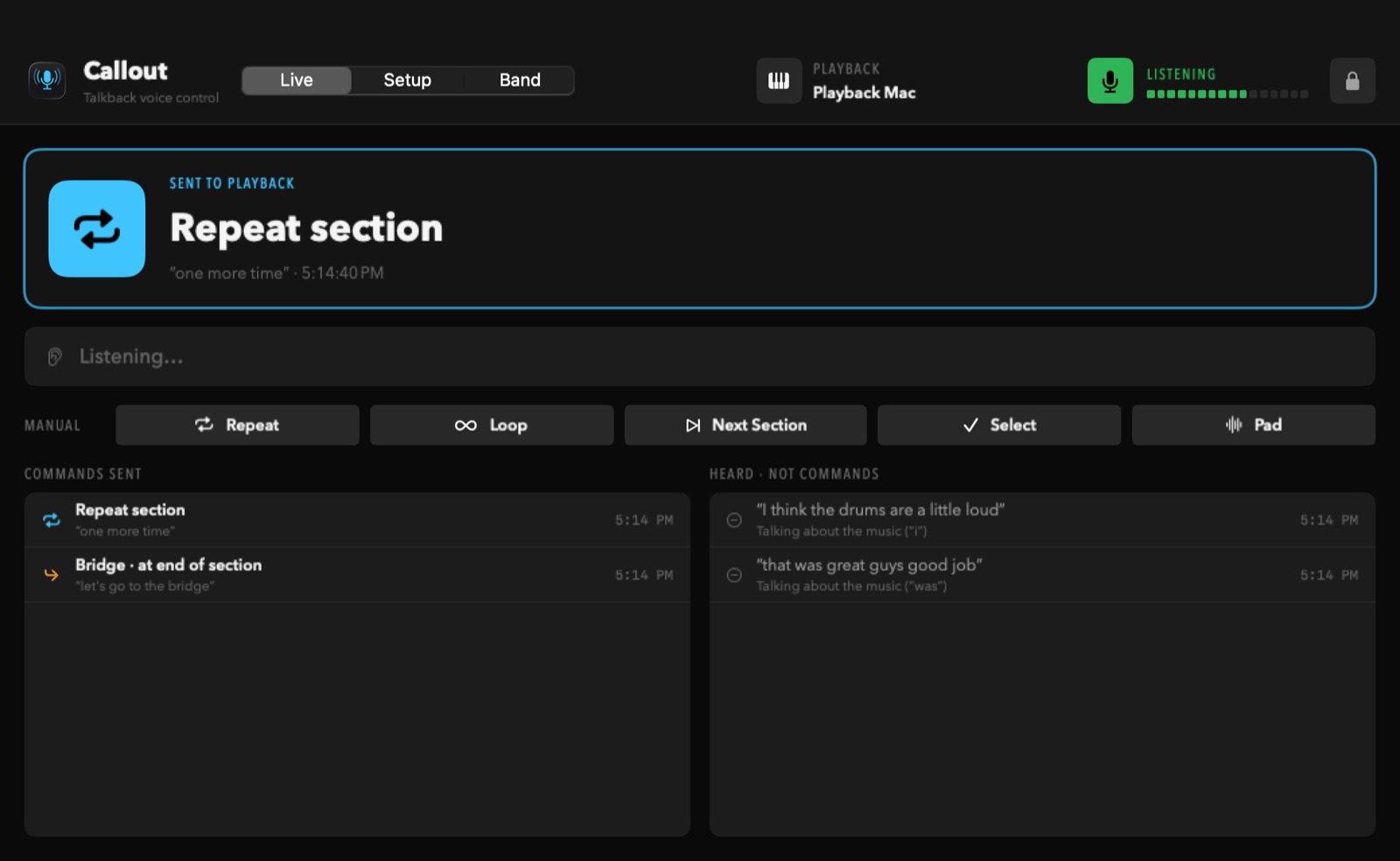
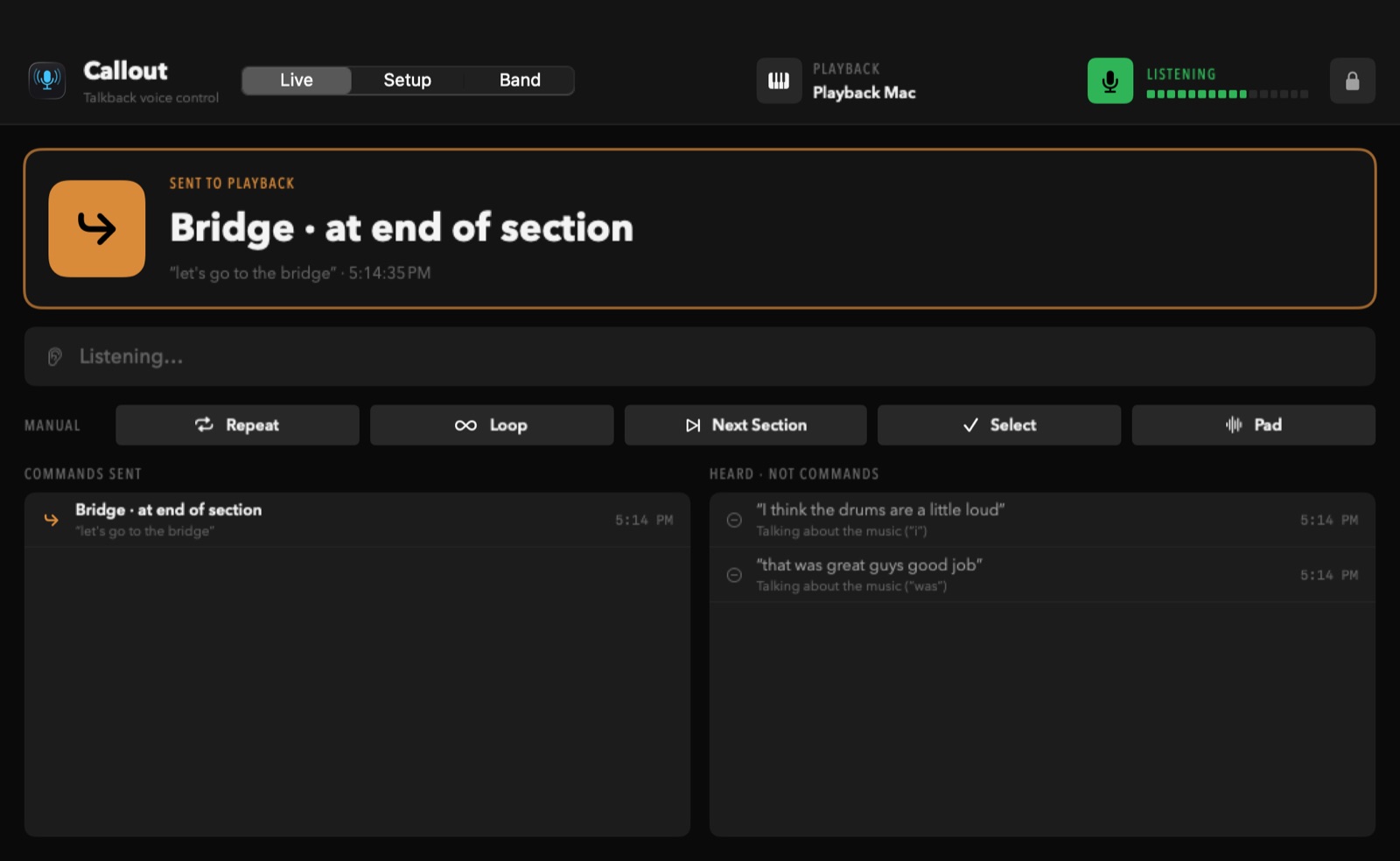
Callout only acts on short, direct instructions and ignores anything with a “not”, questions, and talk about the music. Every command shows on screen with the words it heard, and “never mind” cancels. It can still miss or mishear over very loud music, so always keep a way to run your tracks by hand.
Does it record us, or need the internet?
No recording, and no internet needed to run. Speech is recognized on the Mac itself on nearly every Mac with macOS 14 or newer. Callout only goes online to check this website for updates. See Privacy.
Can the leader see private chats?
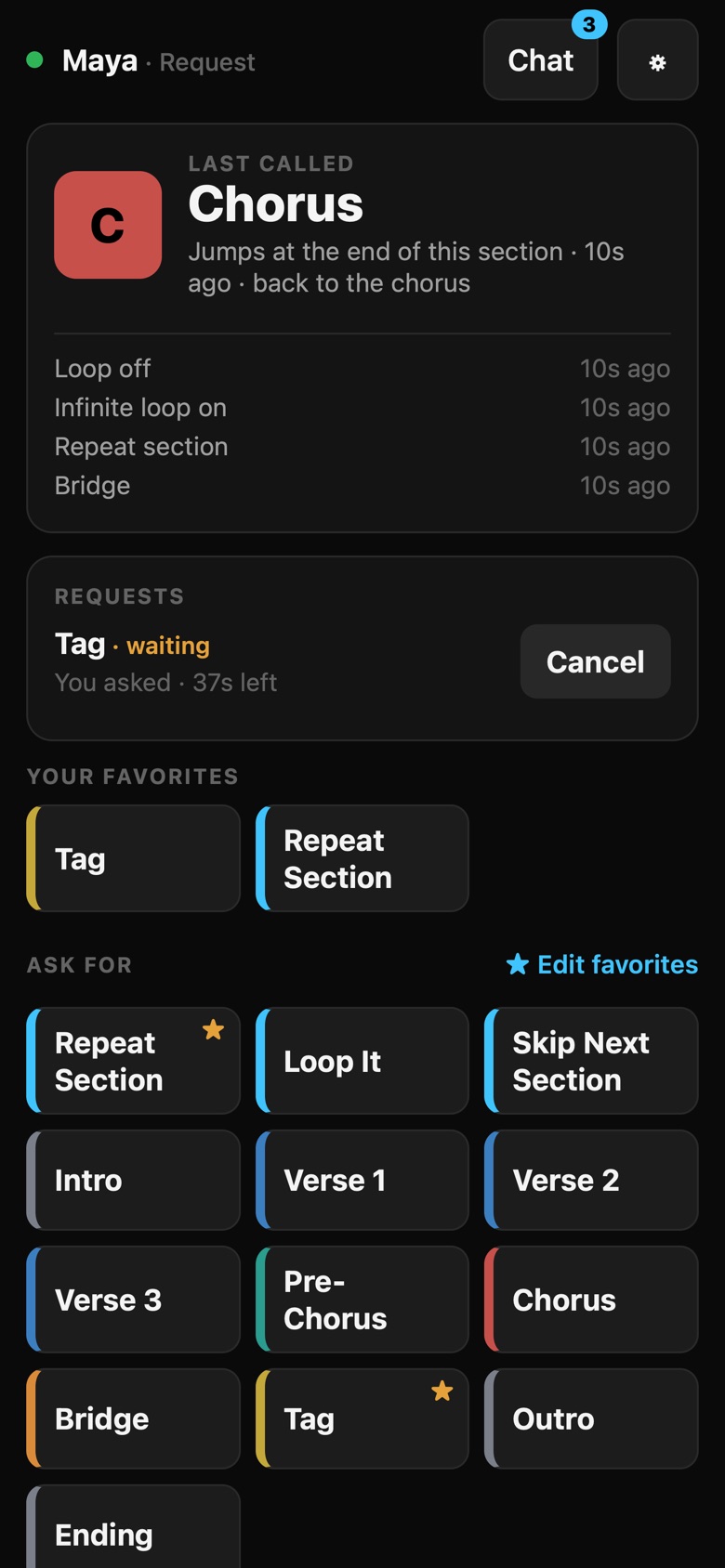
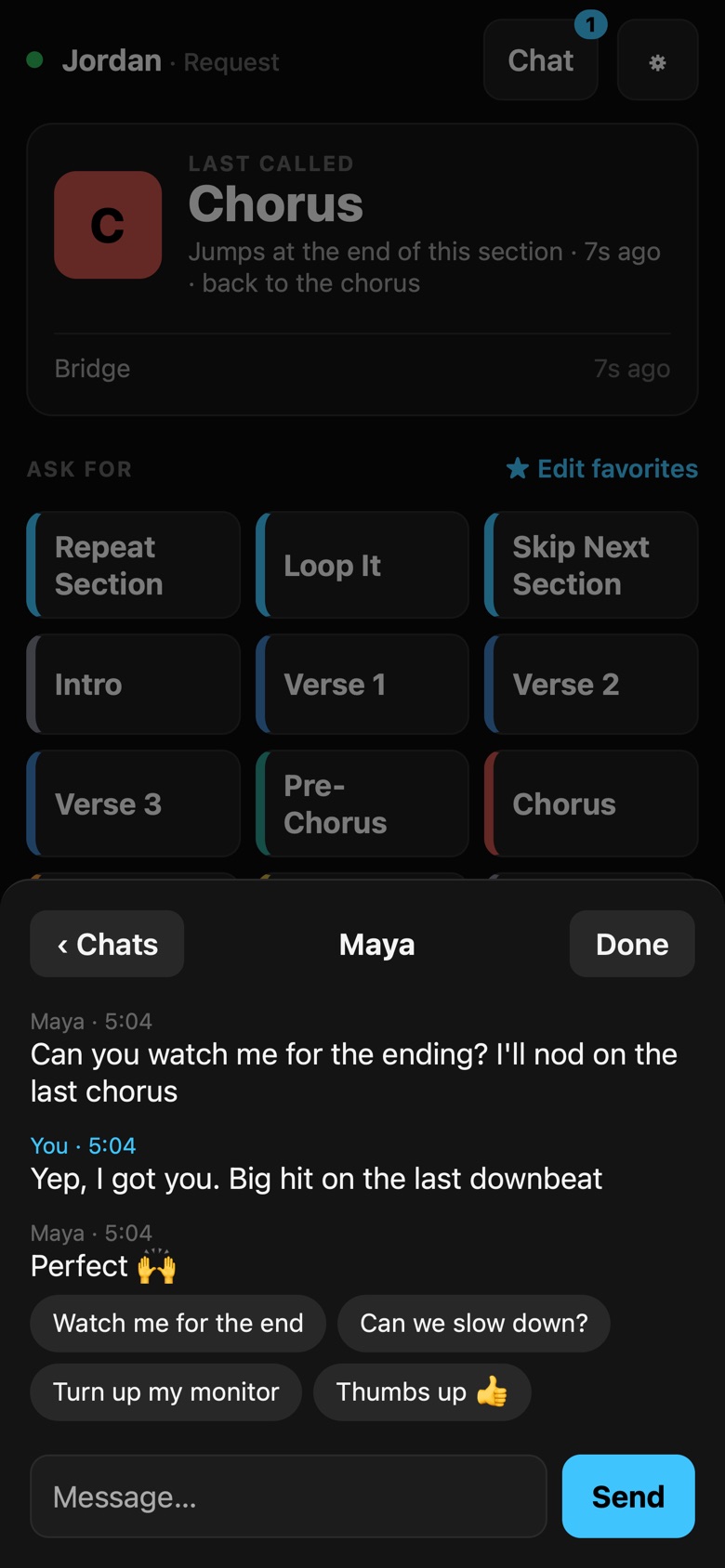
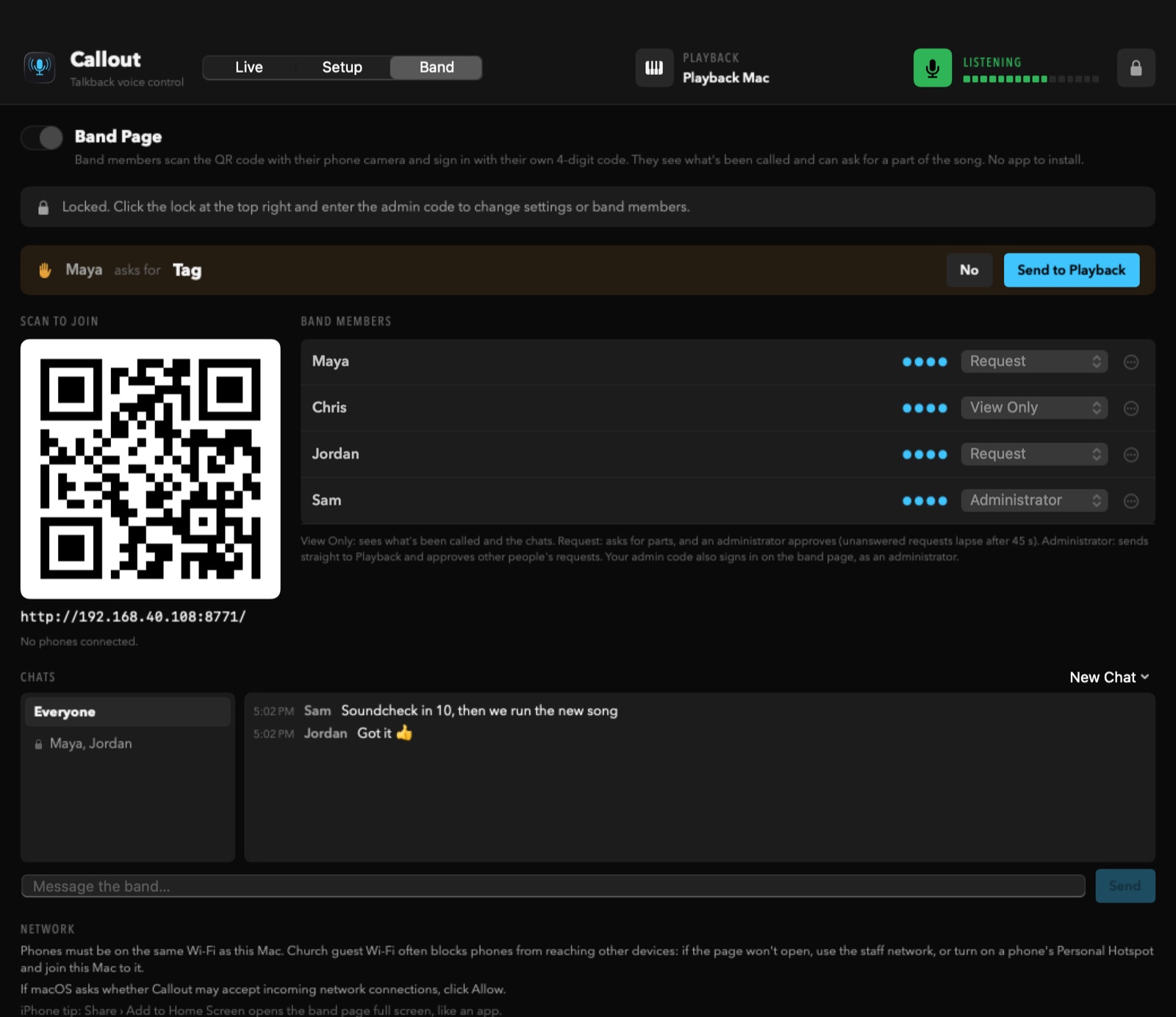
Private and group chats are hidden from the rest of the band, but the Callout Mac (the leader's screen) can read every chat. The band page tells everyone that.
Will it update in the middle of a service?
Never. Callout tells you when a new version is ready and waits until you click Install. If it's in use, it only shows a small note to install after the service.
Does it work on Windows or iPad?
Callout itself runs on a Mac. The band page works on any phone, tablet or computer with a web browser.